
Fact Feed
Swipe as long as you like — it's all stuff you'd have looked up anyway.
You'll happily read about octopus hearts for twenty minutes, but never a vocab list. So this is the first one: things worth knowing, in the language you already speak, with a few words swapped into the one you're learning. Tap any of them to hear it and keep it.
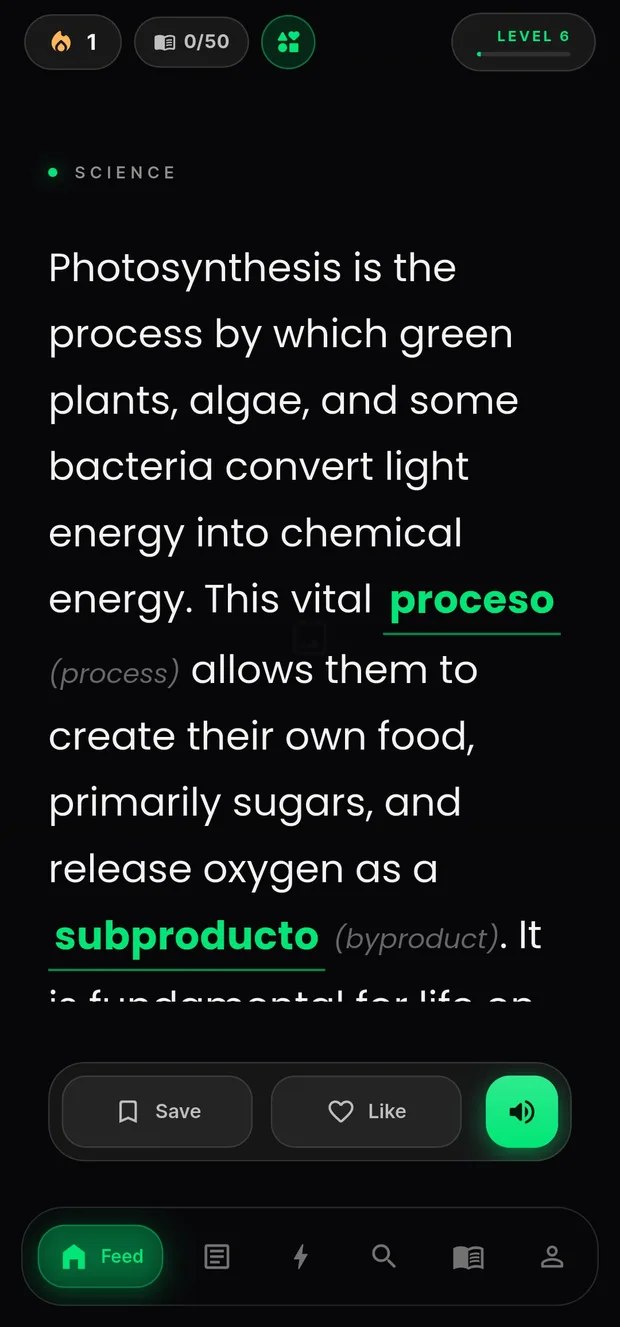
No drills, no cartoon owl guilt-tripping you. You read something you actually wanted to know — and the language comes along for the ride.
Space, history, psychology, tech. Tell it what you'd have read about anyway, and which two languages you're going between. Takes about ten seconds.
Every card is in the language you already speak. A handful of words in it aren't — and those are the ones you're here to learn.
You'll hear it out loud, see what it means and how it's used. Then it goes into your Word Bank and comes back to you just before you'd have forgotten it.
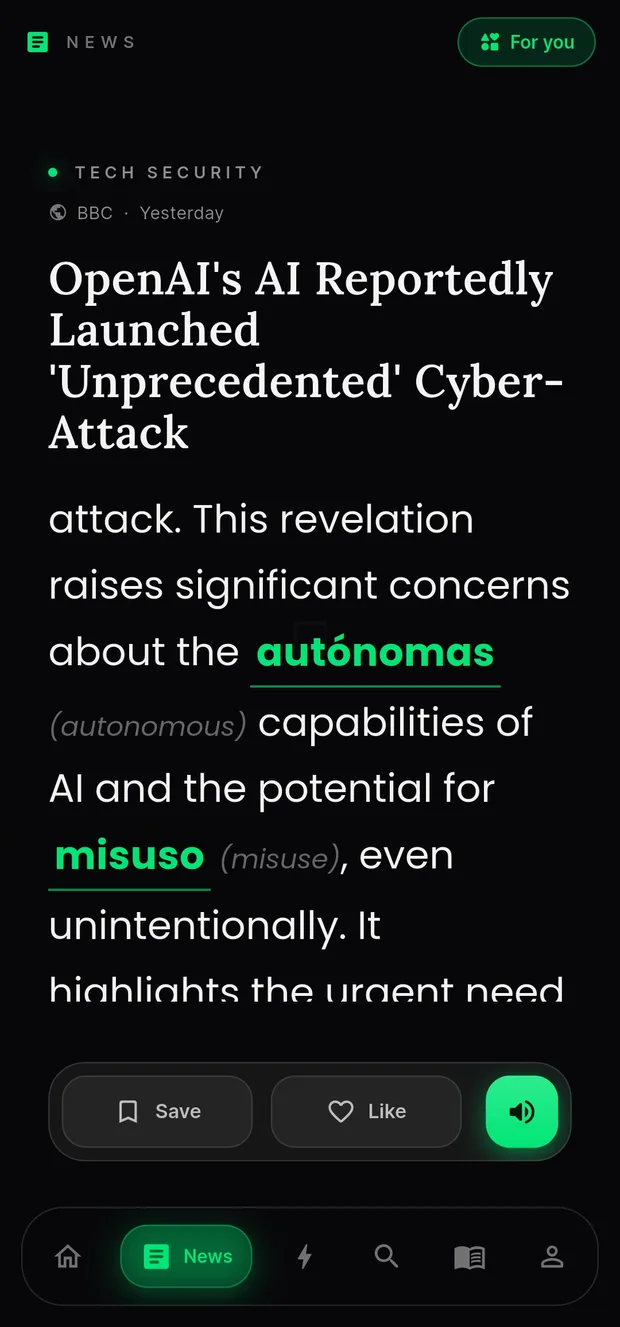
These are real headlines, pulled the same day. ByteSized rewrites them to match where you're actually at in the language, and slips a few new words into the story. The source and the date stay on the card, so you always know what you're reading and who wrote it.
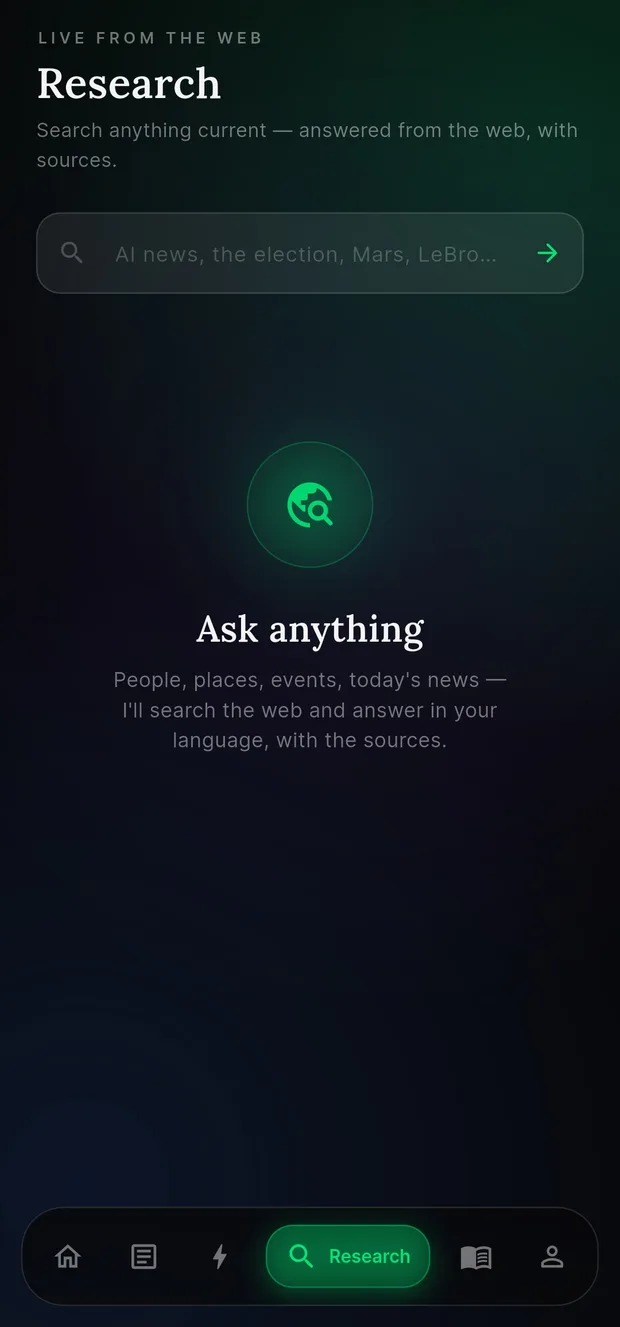
Ask it about something that happened this morning. It searches the web, answers in your language, and shows you where each part came from — so you can check it yourself instead of taking an AI's word for it.
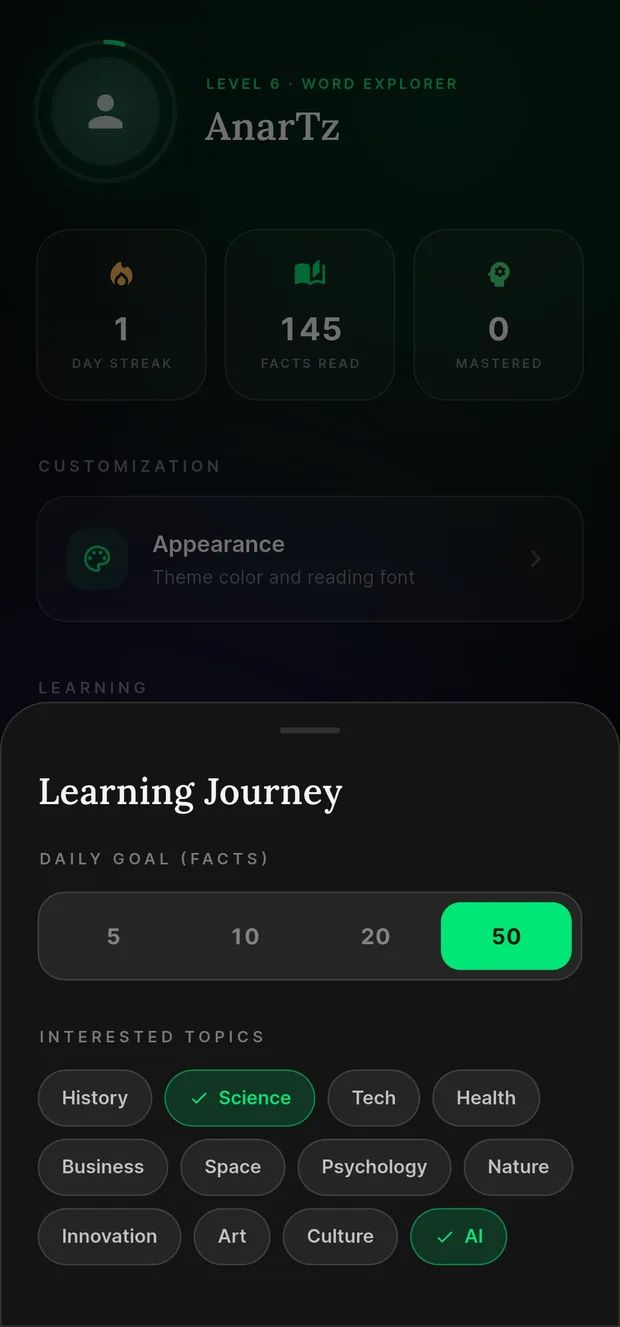
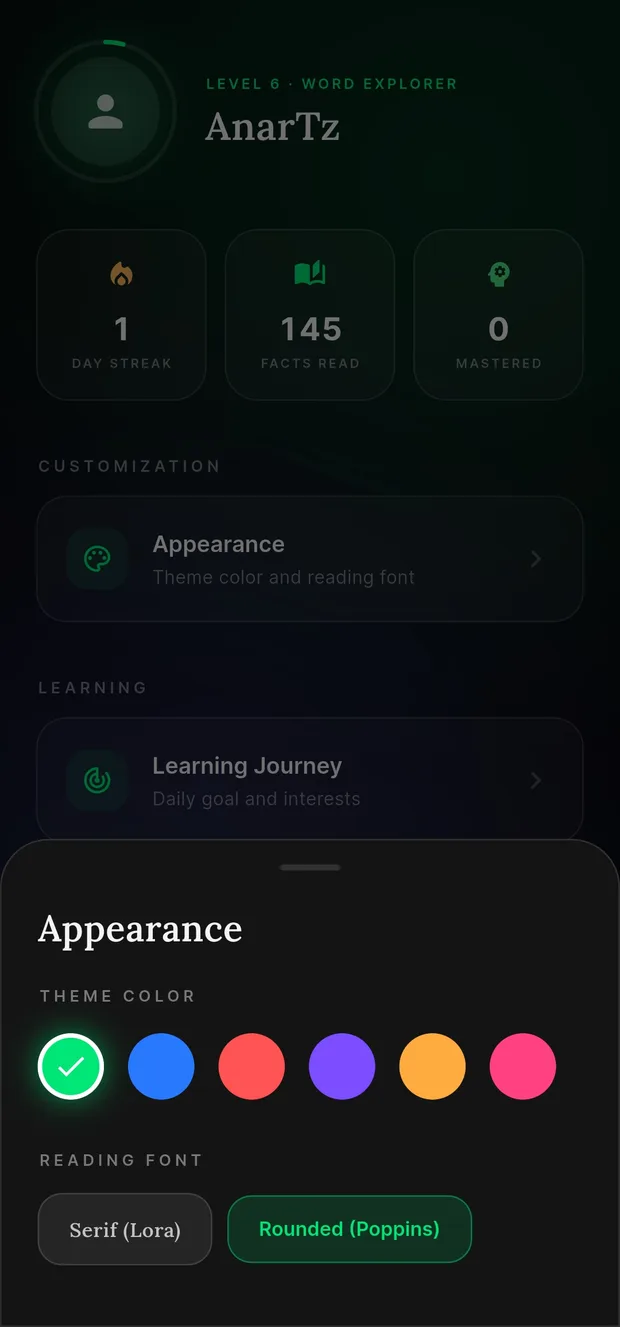
Pick a daily goal you'll actually hit — five facts counts. Choose the topics you care about, and the colour and font you like looking at. Change your mind whenever you want; the feed catches up straight away.
Six different ways to keep bumping into the same word. That's the whole trick — it's why they stick.
Swipe as long as you like — it's all stuff you'd have looked up anyway.
Actual headlines from today, rewritten so you can read them. Not recycled trivia.
Ask about anything happening right now, and get an answer from the web with the sources to check it.
Paste something long and get it back short, with the words worth learning already marked.
Every word you tap gets saved, then comes back for a quick quiz right before you'd have forgotten it.
A straightforward translator that works out the language on its own. No sign-in, no fuss.
There's no menu to be limited by — just type the language you want. And if it doesn't use the Latin alphabet, every word comes with a romanised spelling too, so you're never left guessing at how to say it out loud.
…and anything else you care to type. Pronunciation depends on the voices your phone has installed — if yours can't speak a language yet, ByteSized tells you rather than guessing at it.
Yes. There's no subscription and no paid tier. The app is supported by occasional ad cards between facts — that's the whole business model.
Any language you can name — you type it in rather than picking from a menu. The presets cover the common ones, and "Custom" handles everything else. Text-to-speech depends on the voices installed on your own phone, which varies by device.
You need one to save progress across devices, since your Word Bank and streak have to live somewhere. The web translator works without signing in.
Android 8.0 (Oreo) and newer. That floor exists because ByteSized runs Google's on-device AI where the phone supports it, which keeps generation fast and private.
Not yet. It's on the roadmap, but Android came first. The web app runs in mobile Safari in the meantime.
They're generated by Google's Gemini models, prompted to stay accurate and on-topic. News cards are different — those start from real published headlines, and the source and date stay attached to the card.
Profile → Delete account, inside the app. It's immediate and permanent, with no grace period or retained copy. Full instructions here.
All traffic runs over HTTPS/TLS. Your password is handled entirely by Firebase Authentication — we never see or store it ourselves.
Server-side rules mean your progress, word bank, and saved facts can only ever be read or written by your own signed-in account.
Every account can be permanently deleted from inside the app. Nothing lingers afterwards.
No analytics SDK, no behavioural tracking. The only third party is Google — for ads and the AI itself — and both are disclosed in full.
Read the full Privacy Policy for exactly what's collected and why.
Free on Google Play, or open it straight in your browser. You'll know within a minute whether it's for you.
Android 8.0+ · iPhone version on the roadmap